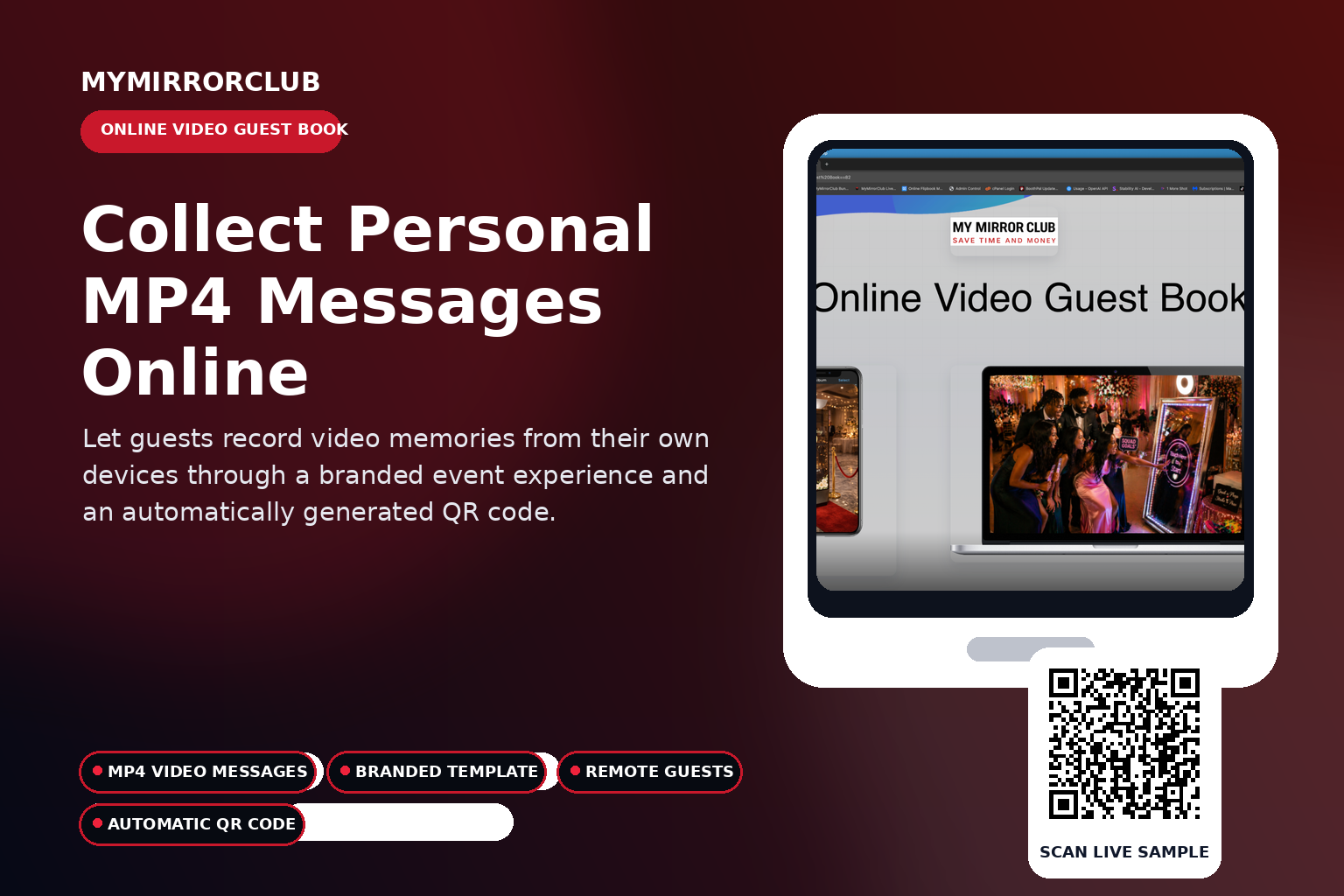
A MyMirrorClub Online Video Guest Book lets guests record personal video messages from their own phone, tablet or computer. Members create the event, add a compatible template from their Workspace, customize the presentation and share the automatically generated QR code or event link.
Watch the complete Video Guest Book setup tutorial
This updated MyMirrorClub tutorial demonstrates the current member workflow for creating, customizing, testing and sharing an Online Video Guest Book.
Try the company-owned live Video Guest Book
Open the live sample to experience the guest workflow from the same type of public link that can be shared by QR code.
What is an Online Video Guest Book?
An Online Video Guest Book is a branded event page where guests can record a personal video message through a compatible browser. Each completed submission is saved as an individual MP4 video message for the event host.
One video message appears in one template experience
The Video Guest Book template presents and records one guest video message at a time. It is not a six-video grid and it does not place several different recordings inside one template.
- One guest opens the event.
- One compatible template frames that recording experience.
- The guest records one personal video message.
- The finished recording is saved as its own MP4 entry.
- The next guest can open the same event and create a separate message.
Add a template from your Workspace before starting
A real Video Guest Book template must be added from the member’s Workspace before the event can start. MyMirrorClub prevents an unfinished event without usable template data from entering the recording experience.
- Create or customize the template in the MyMirrorClub editor.
- Save it to your Workspace.
- Add it to the Video Guest Book event.
- Test the recording experience before sharing the public link.
How the guest experience works
- The guest scans the automatically generated QR code or opens the shared event link.
- The branded Video Guest Book loads in a compatible browser.
- The guest reviews the event presentation and recording prompt.
- The guest records one personal video message.
- The finished message is saved as an individual MP4 recording.
- Additional guests repeat the process to create their own separate messages.
Automatic QR-code access
Every Video Guest Book event includes an automatically generated QR code. Members can place it on:
- Welcome signs and entrance displays
- Wedding table cards and printed inserts
- Corporate event screens and conference signage
- Invitations and reminder emails
- Event websites and digital displays
- Post-event follow-up messages for remote guests
Remote and hybrid guest participation
The event link can be shared with guests who cannot attend in person. Friends, relatives, clients, employees or community members can record from another location using their own compatible device.
Branding and presentation
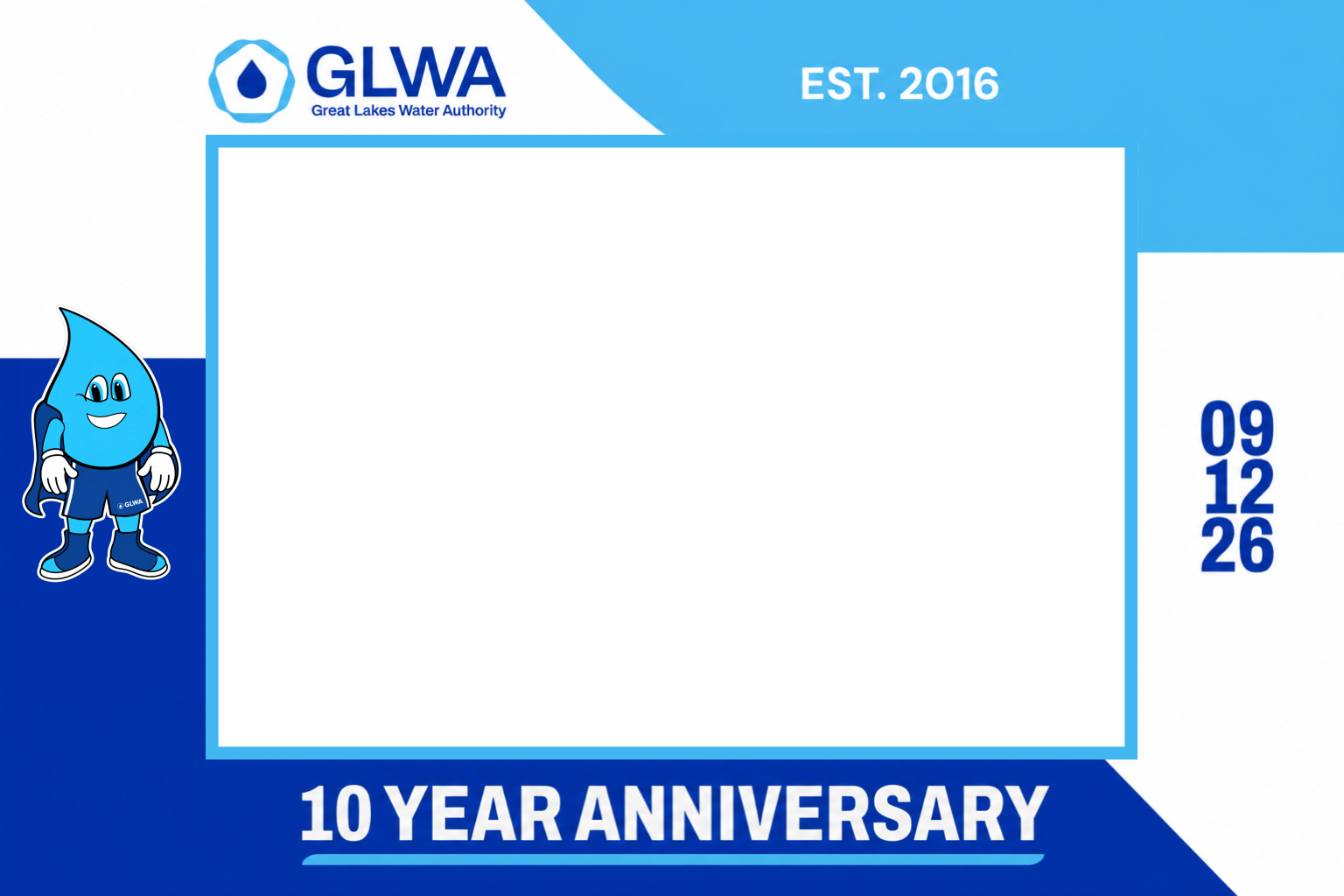
The Video Guest Book can include the event title, member logo, background presentation, template and device-specific associated images. This creates a more polished experience for weddings, corporate events, celebrations and branded campaigns.
Events that work well with a Video Guest Book
- Weddings and engagement celebrations
- Birthdays and anniversaries
- Corporate events and company milestones
- Conferences, trade shows and employee gatherings
- Graduations and school events
- Memorials and remembrance events
- Remote and hybrid celebrations
Video Guest Book setup checklist
- Create the event and confirm its title.
- Add a real compatible template from your Workspace.
- Upload or confirm the event branding and associated images.
- Test microphone and camera access on a phone.
- Test the recording flow on a desktop browser.
- Record and play back one sample MP4 message.
- Scan the generated QR code before printing or displaying it.
- Open the public link in a private browser window before launching the event.
Step-by-step tutorials are included
MyMirrorClub provides setup tutorials to help members create, customize, test and launch platform features. The updated Video Guest Book tutorial above can also be reopened through the Video Tutorial button inside the Online Video Guest Book area.
Frequently asked questions
How many videos appear inside one template?
One video message is recorded and presented at a time. Each guest submission becomes a separate MP4 recording rather than several clips being placed into one template.
Do guests need to install an app?
No. Guests open the event through a compatible browser using the link or QR code.
What format are the messages?
Completed guest recordings are saved as MP4 video messages.
Does the event require a template?
Yes. A compatible template from the member’s Workspace must be added before starting the Video Guest Book.
Can remote guests participate?
Yes. The link can be shared with guests in other locations.
How do guests open the event?
They can scan the automatically generated QR code or open the shared event link.
Is there a setup tutorial?
Yes. Members can use the Video Tutorial button inside the feature or watch the official YouTube tutorial embedded above.
Explore connected MyMirrorClub event features
- Interactive Online Event Experiences
- Virtual Photo Booth
- Online Audio Guest Book
- Flip Book Photo Album
- Online Photo Galleries
Create your Online Video Guest Book
A Video Guest Book can be offered as a standalone event feature or combined with a Virtual Photo Booth, Audio Guest Book, gallery, album and other MyMirrorClub experiences.
Open Your MyMirrorClub Workspace Watch the Setup Tutorial Open the Live Sample